Daftra Academy

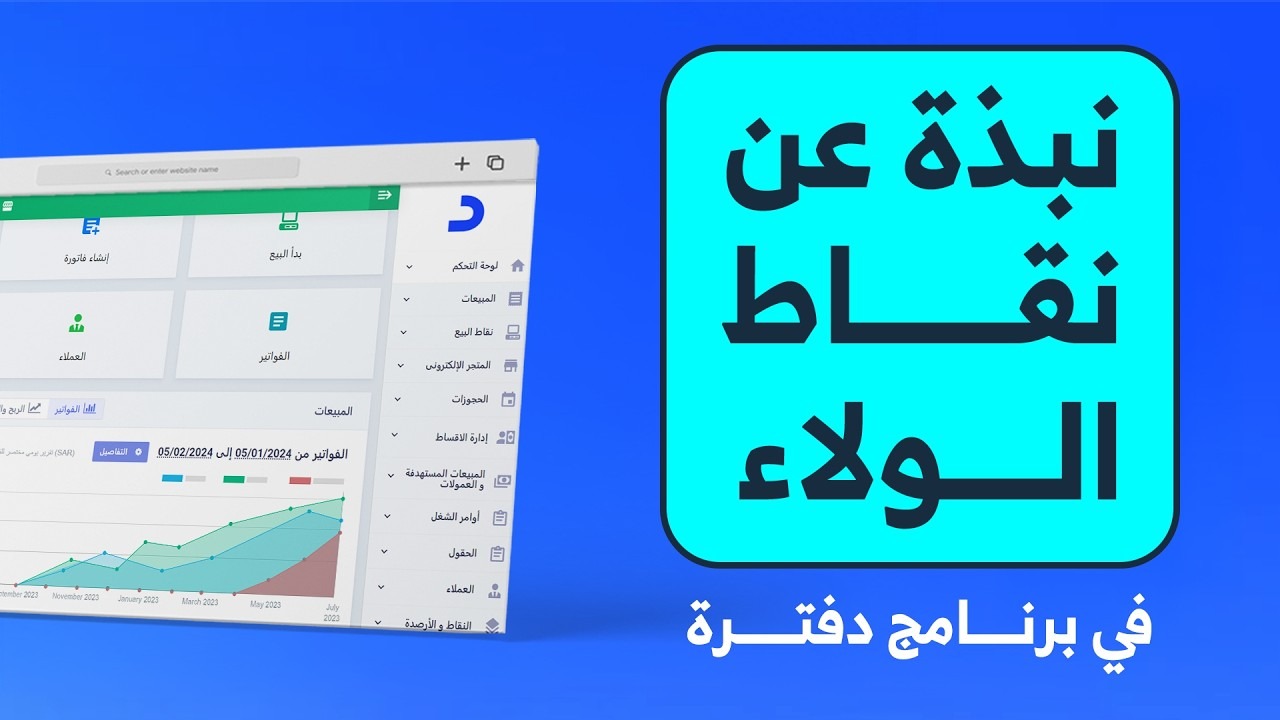
Customer Loyalty Points in Daftra

Learn to run customer loyalty points in Daftra: loyalty rules, earning points on sales invoices, redeeming them as discounts, configuring the settings and reading the reports.

Duration
54 minutes
Video content
Instructors
Daftra Academy
Daftra Education Team

About this course

Loyalty points encourage customers to keep coming back. Each sales invoice that matches a rule you define adds a points balance to the customer, which they can later spend as a discount on future invoices.

The course covers creating loyalty rules, how points are added automatically on invoices and redeemed against them, and how they are cancelled when an invoice is returned. It also covers the core settings:

  • The customer loyalty credit type.
  • The conversion factor that sets a point's value.
  • The minimum redemption points.
  • Allowing decimal points.

It closes with opening balances for existing customers and the balance top-up and consumption reports.

What you will learn

  • Create an active loyalty rule and set a minimum spend.
  • Follow the points a customer earns on each sales invoice.
  • Redeem a points balance, in full or in part, as a discount on a new invoice.
  • Configure the loyalty credit type, conversion factor, minimum redemption and decimal settings.
  • Cancel the points an invoice earned by creating a return for it.
  • Add opening balances for customers with a suitable validity period.
  • Read and export the balance consumption and top-up reports.

Who this is for

  • Shop and business owners who want to reward repeat customers.
  • Sales staff who issue invoices and apply points discounts.
  • Staff responsible for setting up loyalty schemes and following their reports.

Before you start

  • An active Daftra account.
  • Basic familiarity with creating sales invoices in Daftra.

Course content

11 lessons • 54 minutes

  1. 1Course lessons
    • Loyalty points in Daftra: an overview7 minutes
    • Adding a loyalty rule7 minutes
    • Earning loyalty points through invoices4 minutes
    • Allowing decimal loyalty points5 minutes
    • Redeeming loyalty points as an invoice discount4 minutes
    • Setting the customer loyalty credit type5 minutes
    • Returning an invoice that earned loyalty points4 minutes
    • Adding opening loyalty point balances5 minutes
    • Loyalty points reports5 minutes
    • Setting the loyalty points conversion factor4 minutes
    • Setting the minimum redemption points4 minutes

Latest reviews

Nobody has rated this course yet.

Nobody has rated this course yet.

FAQ

How do I set what one point is worth as a discount?

Under "Loyalty Points" then "Settings", use the conversion factor field. If one point is worth five riyals, redeeming two points gives a ten-riyal discount.

What happens to a customer's points if I return the invoice?

The points balance that invoice added is cancelled, and the system shows a warning saying so when you create the returned invoice.

Can I bring in an existing points balance for a new customer?

Yes. From balance top-up management you add an opening balance for the customer, choosing the credit type, the amount and the start and end dates.

Are the videos in Arabic? Is there English support?

The videos are recorded in Arabic. Every lesson has an English transcript and English captions.
Start your journey in Sales & POS today

Join thousands of learners and grow your skills with Daftra Academy

Join the course