Daftra Academy

Daftra Point of Sale: Setup and Daily Use

A practical course on setting up and using Daftra's Point of Sale, from settings, shifts and devices to selling, managing sessions, returns and reports.

Duration
2 hours
Video content
Instructors
Daftra Academy
Daftra Education Team

About this course

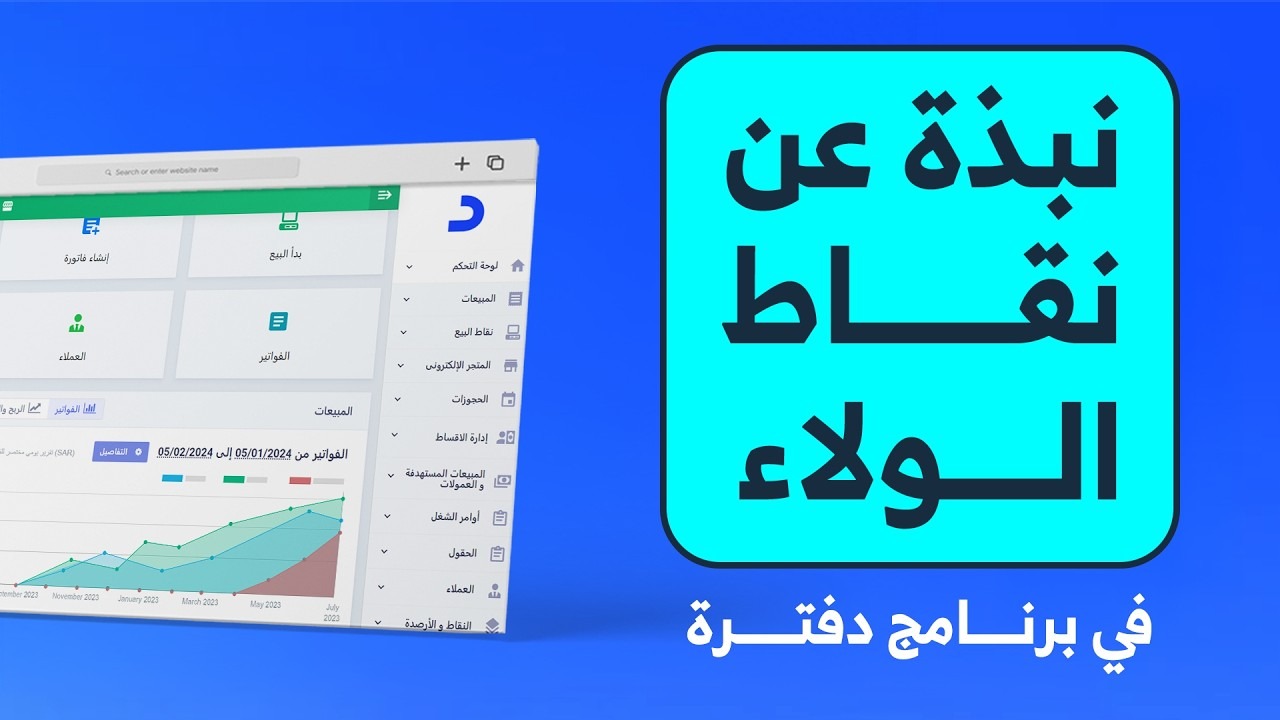
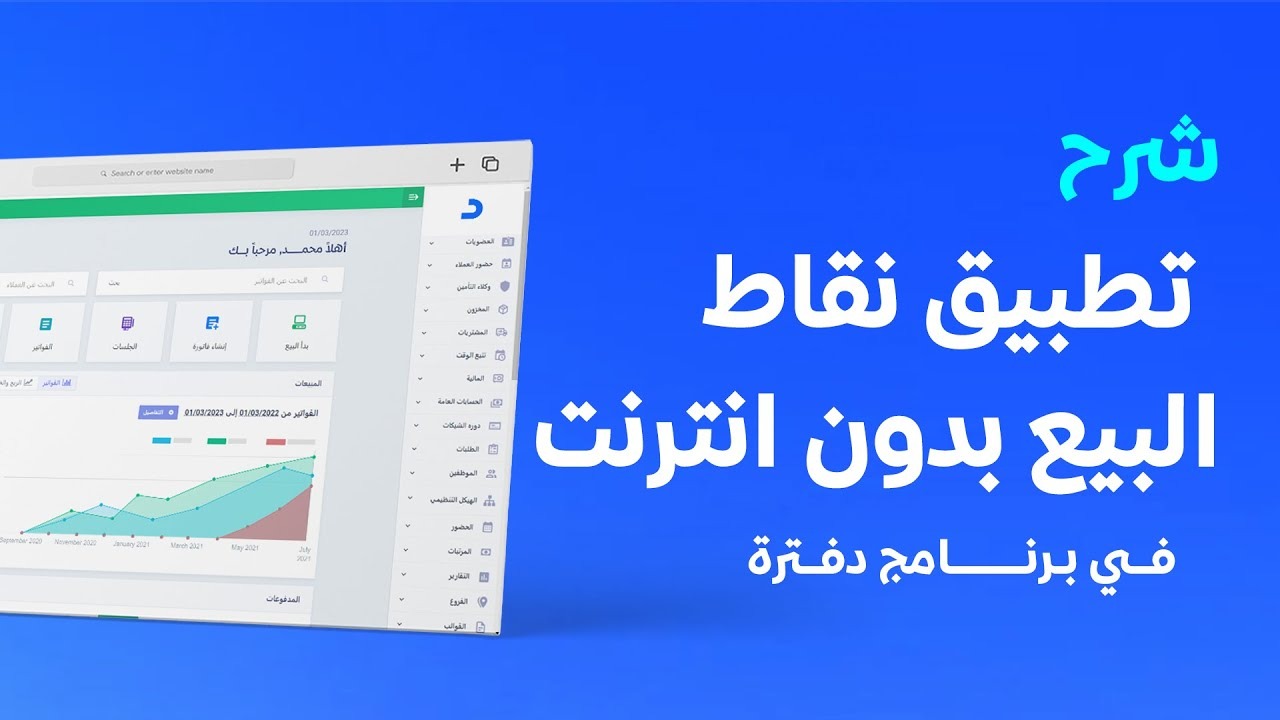
This course covers Daftra's Point of Sale, the cashier screen for creating sales invoices quickly, whether in the browser or in the desktop app that works without an internet connection.

The lessons work through the Point of Sale settings one at a time: the default customer, invoice template, payment methods, visible categories, number pad, custom fields, product images and print window, followed by accounting options such as per-invoice accounting and automatic settlement.

On the day-to-day side, you will learn to:

  • Add shifts and devices and link them to warehouses.
  • Sell, create invoices and close sessions.
  • Add payments and returns and apply discounts.
  • Record cash movements, restrict user permissions and read the POS reports.

What you will learn

  • Activate the Point of Sale app and use the desktop version offline
  • Configure POS settings such as the default customer, invoice template, payment methods and categories
  • Choose between per-invoice and per-session accounting and understand the effect of each
  • Add shifts and devices, and open, close and confirm sales sessions
  • Create invoices, add payments and returns, and apply discounts and adjustments
  • Record cash movements during a session and restrict user permissions
  • View, filter and export Point of Sale reports

Who this is for

  • Owners of shops, restaurants and other businesses that sell at a till
  • Cashiers and shift supervisors
  • Accountants who follow up sales sessions and their journal entries

Before you start

  • An active Daftra account
  • Products already added to inventory
  • The comprehensive plan, to use the desktop app offline

Course content

22 lessons • 1 hour 55 minutes

  1. 1Course lessons
    • Using the offline Point of Sale desktop app8 minutes
    • An overview of Daftra's Point of Sale7 minutes
    • Setting a default customer for POS invoices4 minutes
    • Setting a default invoice template for the POS3 minutes
    • Enabling payment methods in the POS3 minutes
    • Controlling which categories appear in the POS3 minutes
    • Showing the number pad on the POS screen2 minutes
    • Validating sales custom fields in the POS4 minutes
    • Showing product images in the POS3 minutes
    • Print window settings for POS invoices4 minutes
    • Disabling per-invoice accounting in the POS8 minutes
    • Enabling per-invoice accounting in the POS8 minutes
    • Enabling automatic settlement in the POS6 minutes
    • Adding POS shifts and devices6 minutes
    • Selling and creating invoices in the POS11 minutes
    • Adding payments and creating returns in the POS8 minutes
    • Applying discounts and adjustments in the POS6 minutes
    • Selling products with units of measure in the POS5 minutes
    • Cash movements during POS sessions6 minutes
    • Stopping users from editing invoices from other POS sessions4 minutes
    • The POS sessions page and its actions4 minutes
    • The POS reports page2 minutes

Latest reviews

Nobody has rated this course yet.

Nobody has rated this course yet.

FAQ

What language are the videos in, and are there captions?

The videos are in Arabic. Every lesson has an English transcript and English captions.

How do I activate the Point of Sale app?

Go to "Settings", then "Manage Apps", switch on the Point of Sale app and click "Save".

Can I sell without an internet connection?

Yes, with the Point of Sale desktop app, which is available on one device for subscribers to the comprehensive plan; operations are synced with the account afterwards. The first lesson covers this.

What is the difference between turning per-invoice accounting on and off?

With it on, each invoice gets its own journal entry and various payment methods are available. With it off, the session is treated as a single unit with one entry for sales and one for payments, and stock changes only after the session closure is confirmed.
Start your journey in Sales & POS today

Join thousands of learners and grow your skills with Daftra Academy

Join the course