Daftra Academy

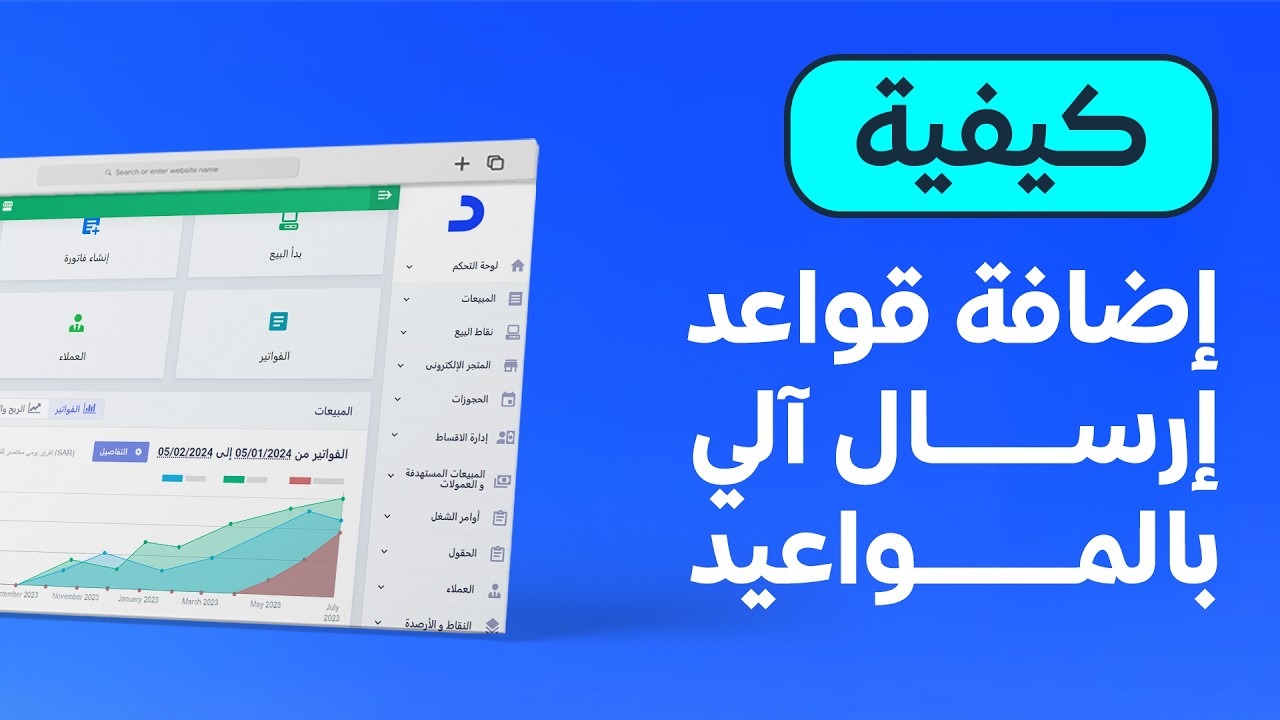
Auto-Send Rules in Daftra

Learn to set up auto-send rules in Daftra so that invoices, quotations, returns, debit and credit notes, work orders and appointments reach clients or employees automatically by email or SMS.

Duration
55 minutes
Video content
Instructors
Daftra Academy
Daftra Education Team

About this course

Instead of sending every document to each client by hand, Daftra's auto-send rules deliver documents automatically as soon as they are created, or at a time you choose, by email or SMS.

Across seven practical lessons, the course shows how to set up a rule for each type of document:

  • Appointments, sent either to the client or to the assigned employee.
  • Invoices and returned invoices.
  • Work orders and workflows.
  • Debit notes and credit notes.
  • Quotations, to remind clients before they expire.

Each lesson covers choosing the message template and the sending time, and checking which messages were actually sent and the status of each one.

What you will learn

  • Prepare the email or SMS templates that auto-send rules use
  • Create an auto-send rule for invoices and returned invoices
  • Create auto-send rules for quotations, debit notes and credit notes
  • Send work orders and workflows automatically when they are added or their status changes
  • Send appointments automatically to the client or the assigned employee
  • Set the sending time before or after the document date, or as soon as it is created
  • Review the messages a rule has sent and the delivery status of each

Who this is for

  • Business owners who regularly send invoices and quotations to clients
  • Sales and collection staff who follow up with clients
  • Administrators responsible for configuring Daftra and automating correspondence

Before you start

  • An active Daftra account
  • Client records that include an email address or phone number
  • For SMS: a connection to one of the SMS providers available in the system

Course content

7 lessons • 55 minutes

  1. 1Course lessons
    • Adding appointment-based auto-send rules in Daftra10 minutes
    • Adding an auto-send rule for invoices in Daftra9 minutes
    • Adding an auto-send rule for work orders and workflows in Daftra7 minutes
    • Adding an auto-send rule for returned invoices in Daftra7 minutes
    • Adding an auto-send rule for debit notes in Daftra7 minutes
    • Adding an auto-send rule for quotations in Daftra8 minutes
    • Adding an auto-send rule for credit notes in Daftra7 minutes

Latest reviews

Nobody has rated this course yet.

Nobody has rated this course yet.

FAQ

Can documents be sent by SMS instead of email?

Yes. Each rule lets you choose email or SMS. To send by SMS you first need to connect one of the SMS providers available in the system and make sure the client's phone number is saved in their record.

Are documents only sent the moment they are created?

No. You can base the sending on the document date or its creation date, then choose to send immediately, or a set number of hours, days or months before or after that date.

How can I confirm the messages were actually sent?

Open the rule from "Templates" then "Auto-Send Rules" and select "Already Matched" to see the messages the rule has sent, when they were sent and their status. You can also check the "Sent Messages" section in the client's record.

What language are the videos in?

The videos are in Arabic. Every lesson has an English transcript and English captions.
Start your journey in Sales & POS today

Join thousands of learners and grow your skills with Daftra Academy

Join the course