Daftra Academy

Daftra Mobile and Desktop Apps: A Practical Guide

A practical guide to three Daftra apps: the mobile stocktaking app, the desktop Point of Sale app that works offline, and the ESS app for employee attendance.

Duration
26 minutes
Video content
Instructors
Daftra Academy
Daftra Education Team

About this course

Daftra's apps work alongside the main system and stay linked to it, moving part of the daily work onto a phone or a point-of-sale computer.

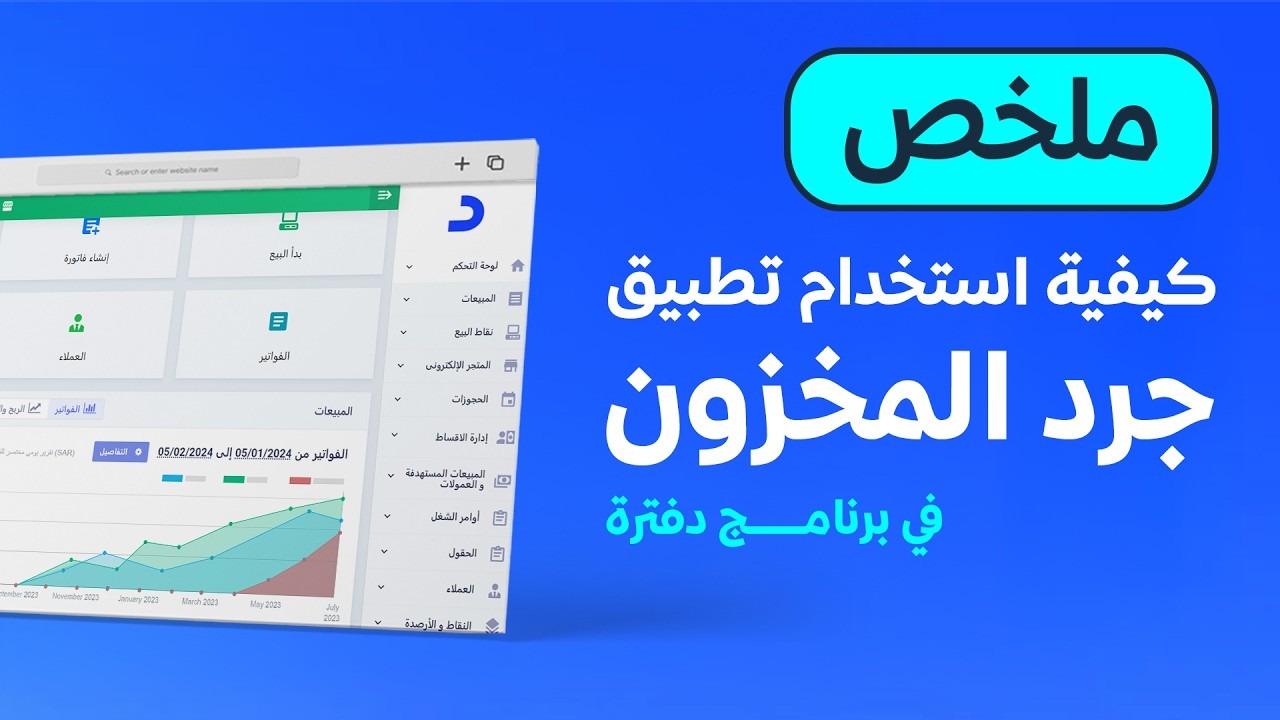
  • Stocktaking app: count products by scanning barcodes on your phone, then sync the stocktaking sheets with the system and settle them.
  • Desktop Point of Sale app: handle sales and returns without an internet connection, then sync the transactions with your main account.
  • ESS app: employees record their own attendance from their phones, subject to restrictions such as a selfie or their location.

Each lesson covers installing the app and connecting it to your Daftra account, using it step by step, and where its results appear in the system.

What you will learn

  • Install Daftra's apps and connect them to the main account
  • Carry out a stock count from a phone by scanning barcodes
  • Sync stocktaking sheets and settle them in the system so they update quantities
  • Set up the desktop Point of Sale app and choose its warehouse and branch
  • Create sales invoices and refunds offline, then sync them
  • Record employee check-in and check-out with the ESS app
  • Review self-recorded attendance in the system and calculate attendance

Who this is for

  • Warehouse staff who carry out regular stock counts
  • Shop owners and cashiers who need to sell without an internet connection
  • HR staff who track employee attendance

Before you start

  • An active Daftra account
  • A smartphone or tablet for the stocktaking and attendance apps, and a computer for the Point of Sale app
  • For the desktop Point of Sale app: a subscription to the comprehensive (Premium) plan

Course content

3 lessons • 26 minutes

  1. 1Course lessons
    • Taking stock with the Daftra inventory app13 minutes
    • Using the offline desktop Point of Sale app in Daftra8 minutes
    • Recording employee attendance with the ESS app in Daftra5 minutes

Latest reviews

Nobody has rated this course yet.

Nobody has rated this course yet.

FAQ

Do stocktaking sheets change quantities as soon as they sync from the app?

No. After syncing, you need to open the main Daftra system or your online account to issue the stocktaking sheets and settle them; only then do they affect quantities.

Which plan does the desktop Point of Sale app need?

Downloading the app requires the comprehensive (Premium) plan. You can check your plan under "Settings" then "Account Information". The plan allows offline use on one device.

Where do I download the ESS attendance app?

From your phone's app store, or from the system by clicking your user name at the top of the page and then "Daftra Apps", which shows a download link and a QR code.

What language are the videos in?

The videos are in Arabic. Every lesson has an English transcript and English captions.
Start your journey in Getting Started with Daftra today

Join thousands of learners and grow your skills with Daftra Academy

Join the course