Daftra Academy

Setting Up General Settings in Daftra

A complete guide to configuring Daftra's general settings, from account details and your logo to taxes, branches and sequential numbering.

Duration
20 minutes
Video content
Instructors
Daftra Academy
Daftra Education Team

About this course

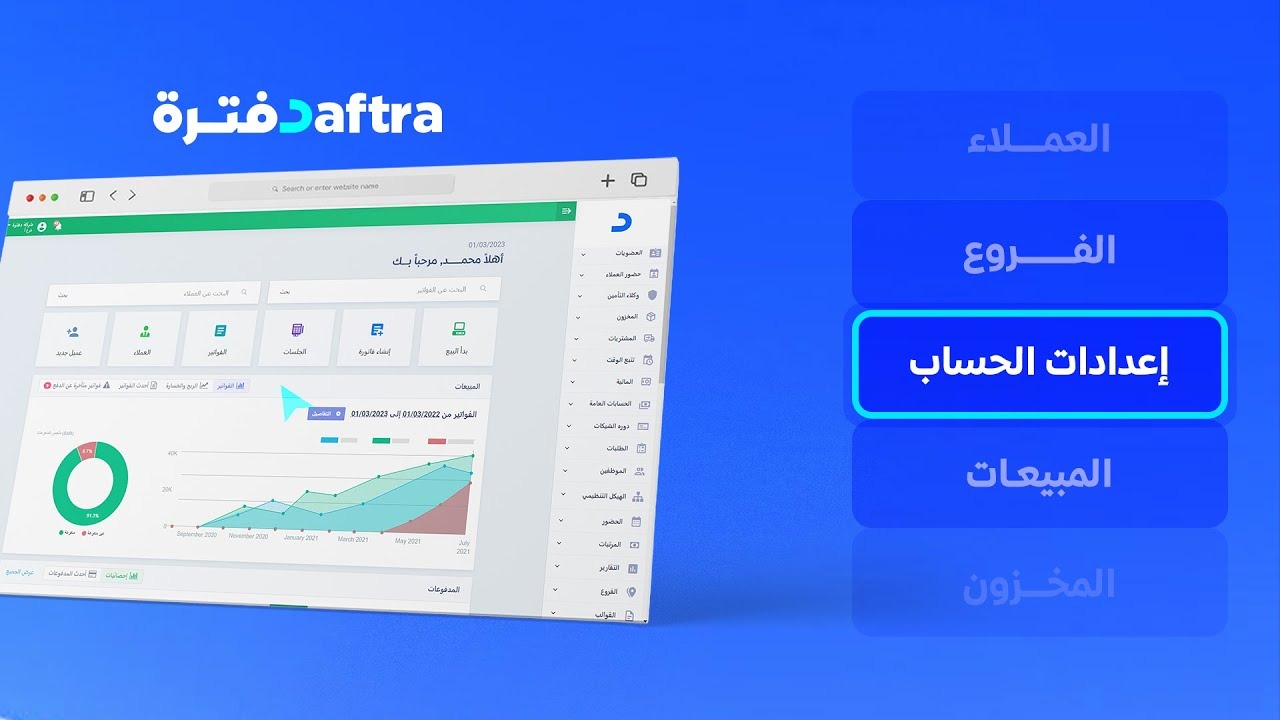
Before you start working in Daftra, it pays to set up the foundations every transaction relies on: your business details, the account currency and exchange rates, the logo printed on your invoices, and the apps your departments will use. This short course brings those settings together, all of them found under the "Settings" menu.

In the lessons you will learn to:

  • Edit your business details and account settings, change your logo and interface colours, or switch on dark mode.
  • Activate apps from the "Manage Apps" page, and view your account information, support number and plan usage.
  • Add branches and choose which data they share, and configure inclusive and exclusive taxes.
  • Set up sequential numbering for invoices and other transactions, and reset account data when needed.

The lessons are short and practical, and each one walks through the steps on Daftra's own screens.


What you will learn

  • Edit your business details and account settings such as interface language, time format and currency rates.
  • Change your organisation's logo and system colours, and switch on dark mode.
  • Activate the apps your departments need from the "Manage Apps" page.
  • View your account information, support number and plan usage, and download a backup.
  • Add and manage branches and decide which data they share.
  • Configure inclusive and exclusive taxes and find their accounts in the "Chart of Accounts".
  • Set up sequential numbering for invoices, with prefixes and unique values.
  • Reset account data, knowing exactly what is deleted before you do it.

Who this is for

  • Business owners who have just created a Daftra account and want to set it up.
  • Staff responsible for administering the company's Daftra account.
  • Accountants configuring taxes and numbering before recording transactions.

Before you start

  • An active Daftra account.
  • Access to the "Settings" menu in that account.

Course content

8 lessons • 20 minutes

  1. 1Course lessons
    • Configuring account settings in Daftra2 minutes
    • Changing your logo and system colours in Daftra1 minute
    • Activating apps in Daftra1 minute
    • Viewing your account information in Daftra2 minutes
    • Setting up and managing branches in Daftra3 minutes
    • Configuring tax settings in Daftra3 minutes
    • Setting up sequential numbering in Daftra4 minutes
    • Resetting account data in Daftra4 minutes

Latest reviews

Nobody has rated this course yet.

Nobody has rated this course yet.

FAQ

Can I change the account currency or country after creating the account?

According to the account settings lesson, the account currency cannot be changed once the first transaction has been recorded, and the country and business field cannot be edited after they are chosen when the account is created.

What happens when I reset my account data?

All transactions and entries recorded in the account are deleted, including templates and custom designs. If the account is more than three months old the reset option does not appear, and you need to request it from technical support using the email address registered on the account.

Why can't I see the Branches menu?

First activate the Branches app from the "Manage Apps" page and click "Save"; the "Branches" menu then appears in the navigation panel.

What language are the videos in? Is there English support?

The videos are in Arabic. Every lesson has an English transcript and English captions.

Start your journey in Getting Started with Daftra today

Join thousands of learners and grow your skills with Daftra Academy

Join the course