Daftra Academy

Daftra for Pharmacies

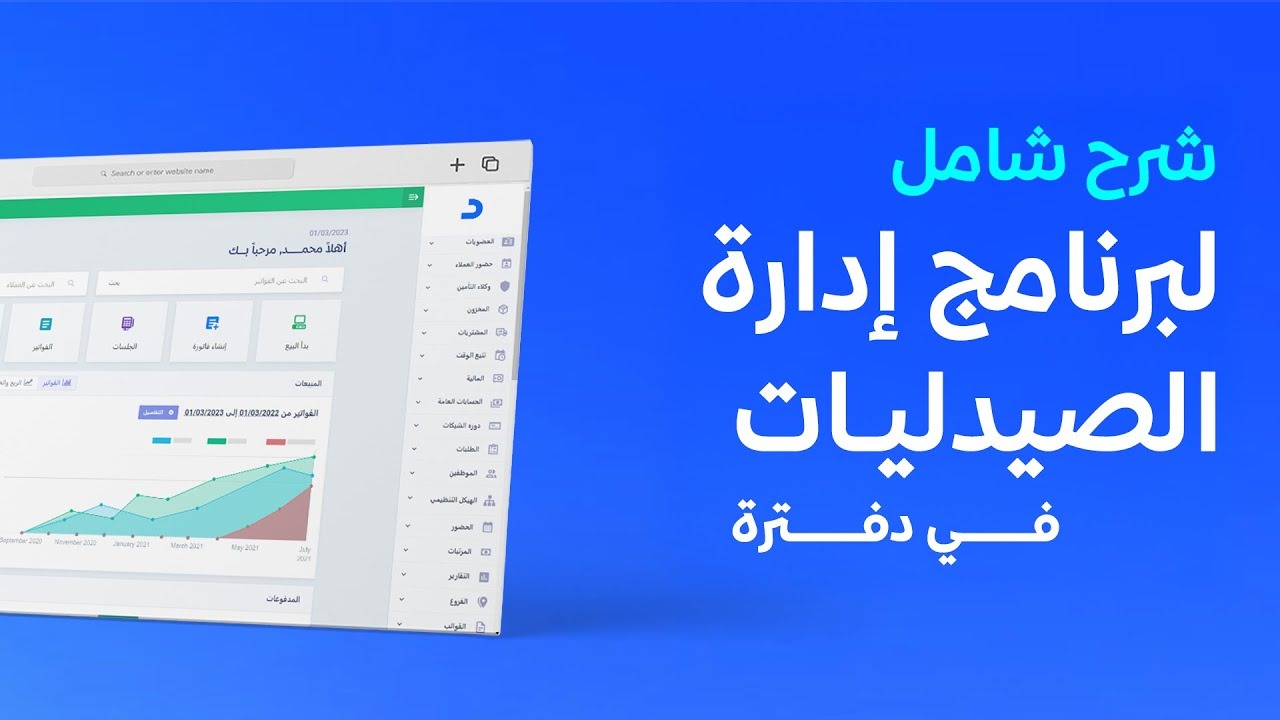
See how a pharmacy runs on Daftra: tracking medicines by expiry date and batch number, alternative products, warehouses, medical insurance companies and the Rasd platform integration.

Duration
1 hour
Video content
Instructors
Daftra Academy
Daftra Education Team

About this course

This course shows how Daftra can be used to run a pharmacy, from setting the system up after you create your account and entering the basics — customers, suppliers, warehouses and treasuries — to day-to-day selling and keeping track of accounts.

The lessons focus on what a pharmacy specifically needs:

  • Tracking products by quantity, serial number, batch number or expiry date, and stopping the sale of expired products.
  • Suggesting alternative products when stock runs low, and alerts when a product reaches its minimum quantity.
  • Managing warehouses with addition, issue and transfer permissions, including handling damaged stock.
  • Managing medical insurance companies, applying co-payment percentages on the invoice and following up what they owe.

The course closes with linking your Daftra account to the Rasd platform from "Settings" and then "Manage Apps".

What you will learn

  • Set Daftra up for a pharmacy by adding customers, suppliers, warehouses, treasuries and bank accounts.
  • Add products and services or import them from an Excel file, and choose the right tracking type for each product.
  • Create a sales invoice, picking the expiry date and unit of measure, and swap in an alternative product when needed.
  • Set low-stock alerts and stop the sale of expired products.
  • Move products between warehouses and write off damaged stock with warehouse permissions.
  • Apply insurance co-payment percentages on invoices and follow up amounts due with the general ledger report.
  • Activate the Rasd platform integration from "Manage Apps".

Who this is for

  • Pharmacy owners and managers who are considering Daftra or have started using it.
  • Pharmacists and staff responsible for sales and stock in a pharmacy.
  • Accountants who follow up customer and insurance company accounts for pharmacies.

Before you start

  • An active Daftra account.
  • A general understanding of how a pharmacy operates.

Course content

4 lessons • 1 hour 1 minute

  1. 1Course lessons
    • Pharmacy management in Daftra: full session45 minutes
    • Daftra: an integrated system for pharmacies1 minute
    • A brief walkthrough of pharmacy management in Daftra10 minutes
    • An overview of pharmacy management in Daftra5 minutes

Latest reviews

Nobody has rated this course yet.

Nobody has rated this course yet.

FAQ

What language are the videos in?

The videos are in Arabic. Every lesson has an English transcript and English captions.

Can I stop expired medicines from being sold?

Yes. The lessons show the option in the sales settings to stop selling tracked items that have expired, along with tracking products by expiry date and seeing how long each one has left.

How does the course handle medical insurance companies?

The lessons show co-payment percentages applied automatically according to the customer's category or plan, with the invoice showing what the insurance company covers and what the customer pays, and then following up the amounts due through the general ledger report under the general accounts reports.

Which lesson should I start with?

For a quick picture, start with the short introductory clip or the overview. For the full step-by-step explanation, the first session covers setup, selling and following up accounts.
Start your journey in Industry Solutions today

Join thousands of learners and grow your skills with Daftra Academy

Join the course