

Course content
2 lessons • 1 hour 53 minutes
1Course lessons
- Overview: running a shipping and delivery company in Daftra
- Managing a shipping and delivery company in Daftra: full session
Learn how to run a shipping and delivery company in Daftra, from setting up branches, treasuries and services to recording parcels and shipping orders, tracking delivery, handling returns and reading the reports.

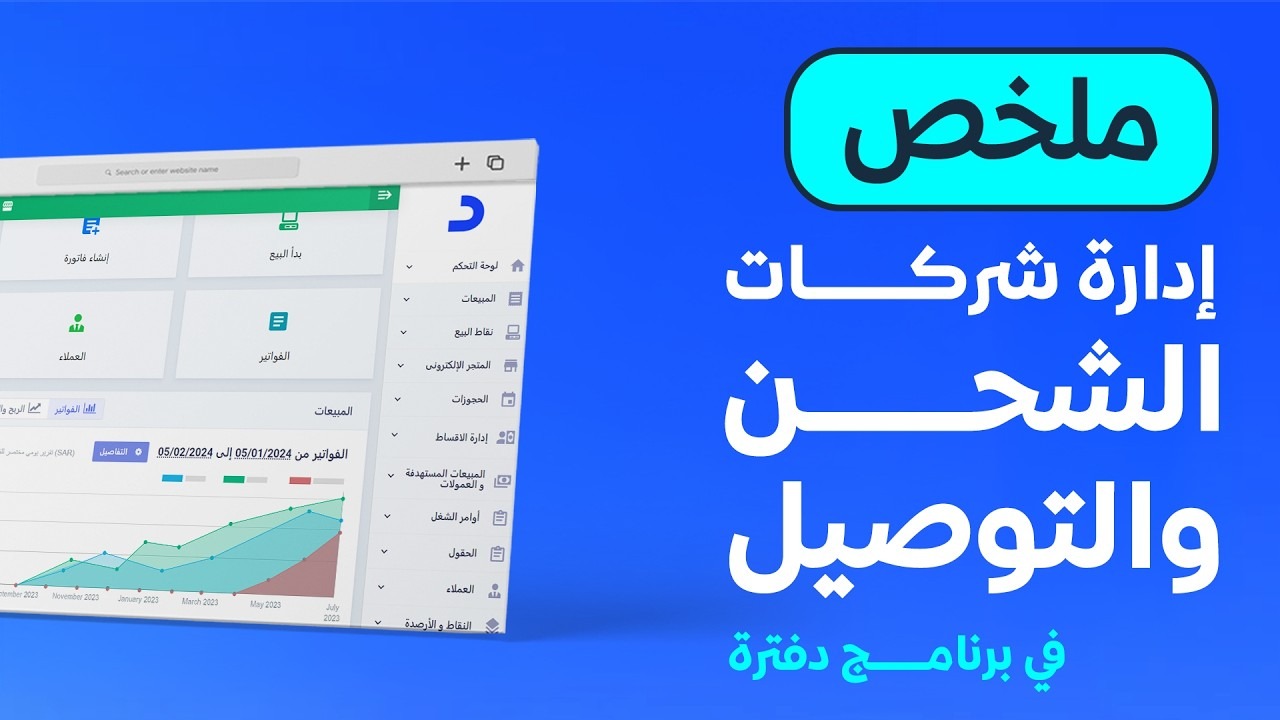
This course contains two recorded sessions on running a shipping and delivery business in Daftra. The first is a short overview of what the system offers; the second works through the setup and the full shipping cycle step by step.
You will see branches, treasuries, payment methods and employees being set up, services, suppliers and customers being added, and shipping options being used on sales invoices. The session then turns to the shipping cycle: adding personal and commercial parcels, creating shipping orders, assigning parcels to them and following their status, and dealing with settlements and returned parcels.
The course closes with the reports and an introduction to the sales reps and routes app, which organises and tracks delivery reps' visits.
2 lessons • 1 hour 53 minutes
Nobody has rated this course yet.
Nobody has rated this course yet.
The first lesson is a short overview of the main capabilities. The second is a detailed session that walks through each setting and the whole shipping cycle with examples.
Yes. The detailed session shows how to select several parcels on the parcels management page, choose the shipping order from the actions menu and save. A parcel can also be removed from an order while the order is still in the "New" status.
Go to "Settings", then "Manage Apps", then the external apps and their Reports section, where the app is listed and can be activated.
The videos are recorded in Arabic. Every lesson has an English transcript and English captions.
Join thousands of learners and grow your skills with Daftra Academy