Daftra Academy

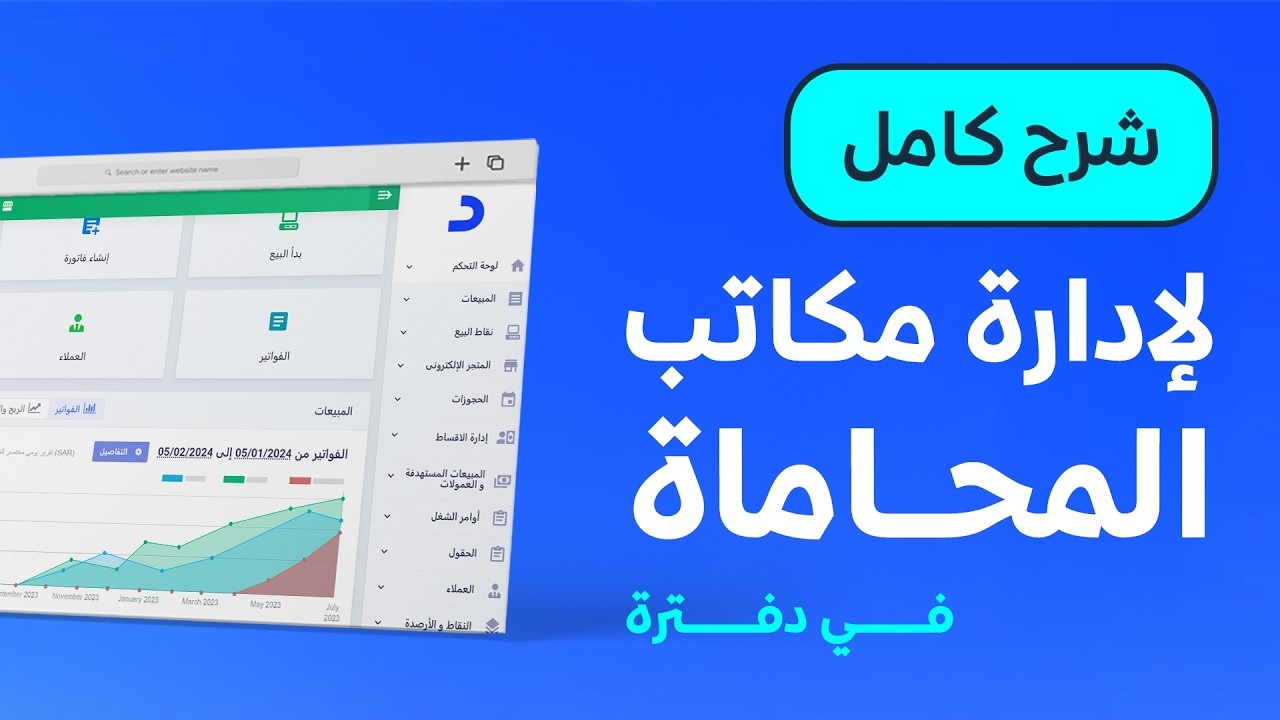
Daftra for Law Firms

See how a law firm or legal consultancy runs its work in Daftra: clients, cases, appointments, invoices, the client portal and reports.

Duration
58 minutes
Video content
Instructors
Daftra Academy
Daftra Education Team

About this course

This course shows how Daftra is used to manage a law firm or legal consultancy, through a detailed recorded session and a short summary of it.

The sessions cover:

  • Multiple branches, users and lawyers with their own permissions, and multiple "Treasuries", payment methods and online payment gateways.
  • Adding clients, assigning a responsible lawyer to each, and archiving files and notes at client level.
  • Client appointments, automatic send rules for appointment reminders, and email and SMS messages.
  • Creating a file for each case with its details and documents.
  • Issuing e-invoices, setting their statuses and sharing them with the client.
  • The client portal and what clients can see there, and reports including profit per case.

You can start with the summary for a quick picture, then return to the detailed session to follow each step.

What you will learn

  • Understand which parts of Daftra a law firm uses
  • Add clients and assign a responsible lawyer to a client or a group of clients
  • Archive documents, notes and attachments in a client's file
  • Create a file for each case with its number, court details and responsible lawyer
  • Set up automatic appointment reminders for clients with a send rule
  • Issue e-invoices, set their statuses and share them with clients
  • Preview the client portal and read case and accounting reports

Who this is for

  • Owners of law firms and legal consultancies
  • Lawyers and administrative staff
  • Accountants handling the firm's invoicing and collections

Before you start

  • An active Daftra account
  • A basic understanding of how a law firm's work is organised

Course content

2 lessons • 58 minutes

  1. 1Course lessons
    • Managing a law firm in Daftra: full walkthrough48 minutes
    • Daftra for law firms: summary10 minutes

Latest reviews

Nobody has rated this course yet.

Nobody has rated this course yet.

FAQ

What language are the videos in? Are translations available?

The videos are in Arabic. Every lesson has an English transcript and English captions.

Should I start with the detailed session or the summary?

The summary (about 9 minutes) gives a quick picture of the system. The detailed session (about 48 minutes) walks through setup, cases, invoices and the client portal step by step.

Can clients follow their own cases?

Yes. A client signs in with their email and password to see their cases, invoices, appointments, account statement, notes and attachments. You can preview what they see with the "Login as Client" option.

How do I remind a client about a hearing?

Create an automatic send rule that sends the reminder on the day of the appointment or a set period before it, as shown in the detailed session.
Start your journey in Industry Solutions today

Join thousands of learners and grow your skills with Daftra Academy

Join the course